


- gedget-review
- 2025年9月5日
HHKB×Bird Electronics 20th Anniversary Silicon Typing Bed – One Week Deep Dive Review | Works with HHKB Studio Too! | Wooden Palm Rest Comparison
#HHKBReview #SiliconTypingBed ……
#Samsung #gadget-review #WatchUltra #GalaxyWatchUltra #SmartWatch
This article includes an affiliate promotion (PR) and features a device loaned by the Samsung PR Office. No payment or editorial review was provided. Although this is a loaner review, I do not write with bias—my responsibility is to the device itself and to my readers. Please note that some comments may be less pleasant for dedicated fans of the brand.
Hello, this is Show-ya Kisaragi (@showya_kiss).
Put together a quick 1-minute summary vid for you speedrunners. Short on time? Just watch this and you’re good to go.
Today’s post is the fourth and final review out of the four Samsung products I borrowed from their PR team. You can read the other reviews below:
Because the loan period wasn’t very long, and I personally couldn’t open the box for about two days after receiving it, this review will likely remain a single standalone article—or at most I’ll be able to follow up with a one-week usage report.
Alright, let’s get into it.
If you’re just gathering quick info, here’s a concise list of “Specs,” “Pros,” “Cons,” and “Who should buy it.”
Feel free to read only this section if you’re short on time.
Since PowerAmp lets you use your own EQ tuning, you can play music with *your exact preferred sound*.
In terms of ecosystem completeness: Apple > Samsung > Google.
In other words, if you’re on Windows—not Mac—Samsung offers the closest thing to Apple-level integration.
That wraps up the summary.
If you already have enough information to judge, you can leave here.
If you’re considering buying, using the Amazon link below helps support this blog (but honestly, just reading this post already means a lot to me).
If you’re still here, let’s appreciate the aesthetics of the device.
Normally I’d show every item in detail, but Samsung PR specifically asked that I avoid photographing individual included items, as sample units may differ from retail versions.
So I’ll show just three shots: box → open box → contents.
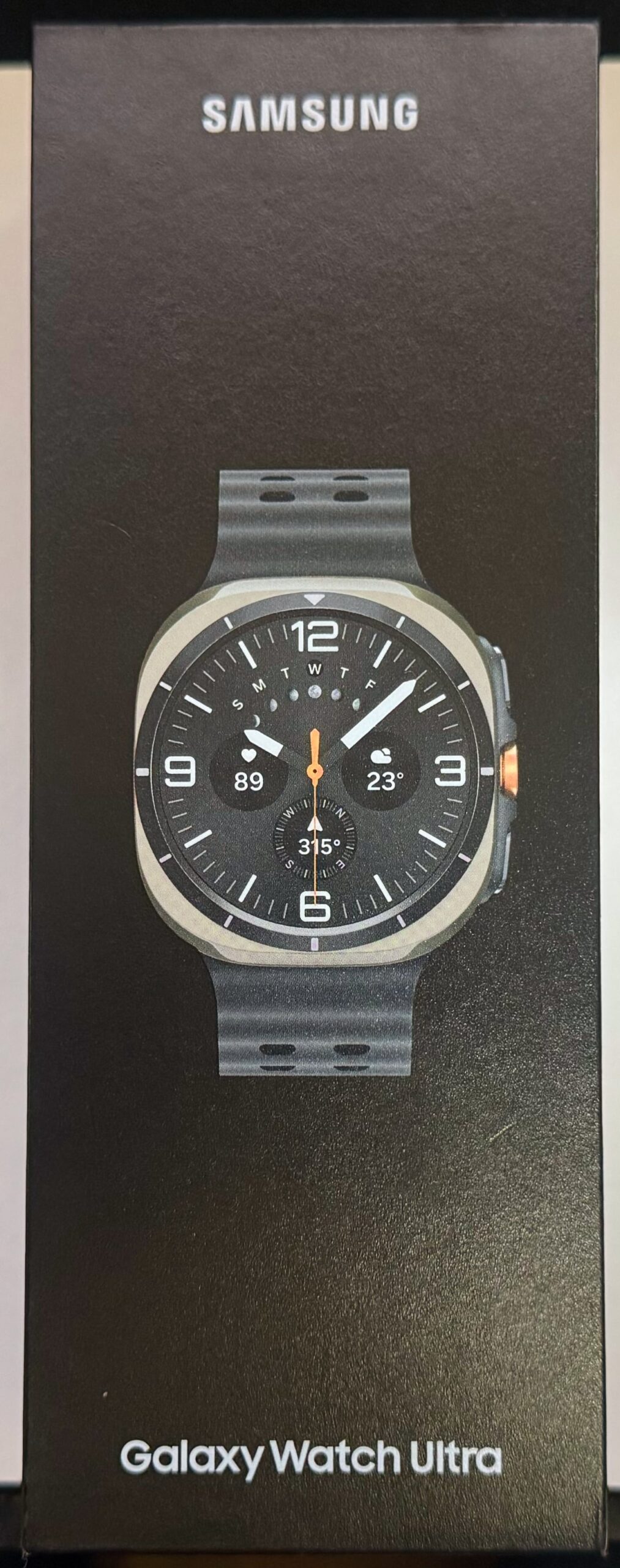
First up, the box.
Instead of flashy colors or gloss typical of premium devices, Samsung went with a matte finish and a stark product photo—almost austere.
It communicates a clear philosophy: *“We don’t need to brag. Just hold it and you’ll understand.”*
It’s beautifully understated.
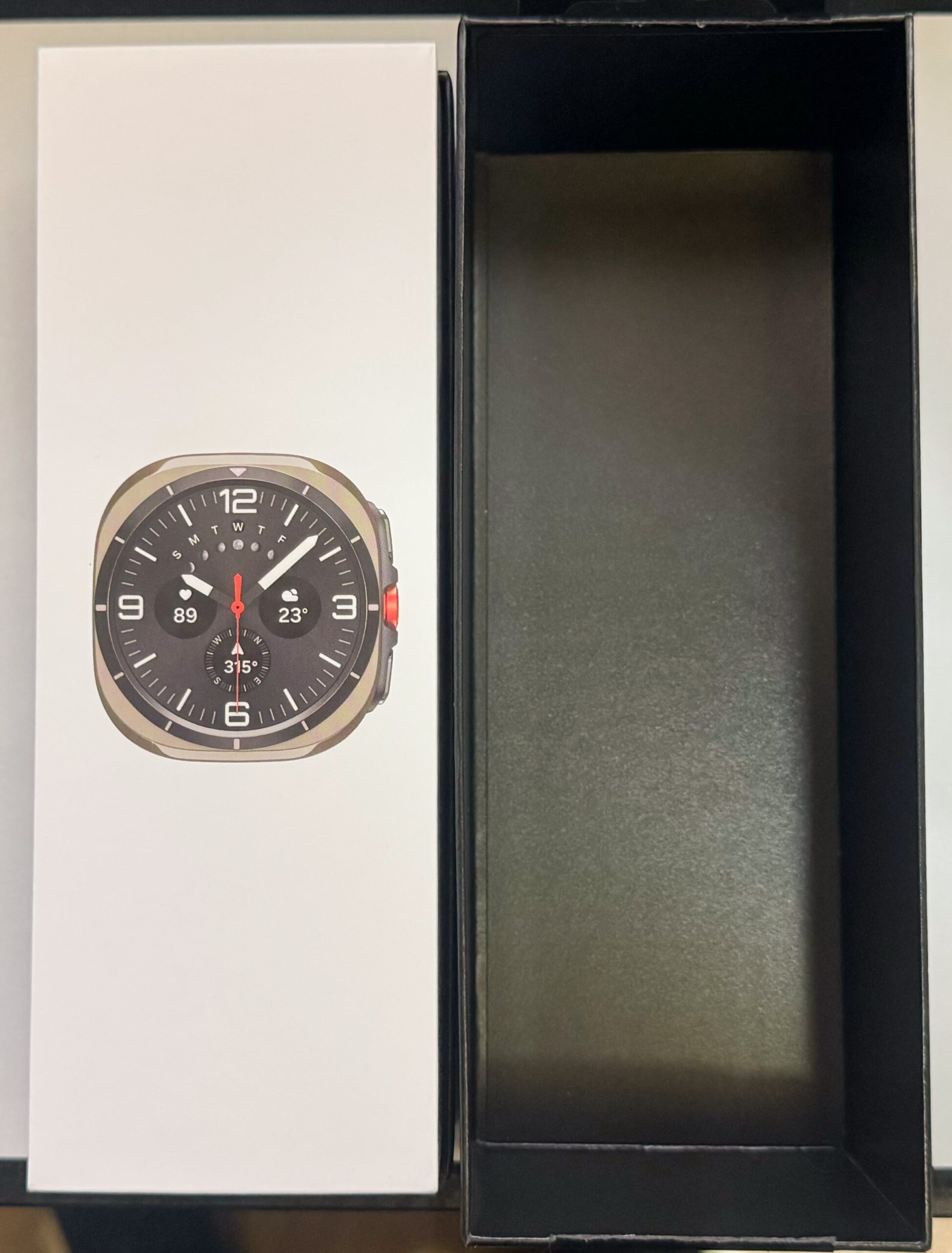
Opening the box reveals the watch face alone.
Again, minimalism. A quiet confidence. There’s more underneath, but showing the area beneath the face violates PR instructions—and I’d like to stay friends with Samsung PR, so I couldn’t quite muster the punk energy to shout “Screw it!” and take the shot.
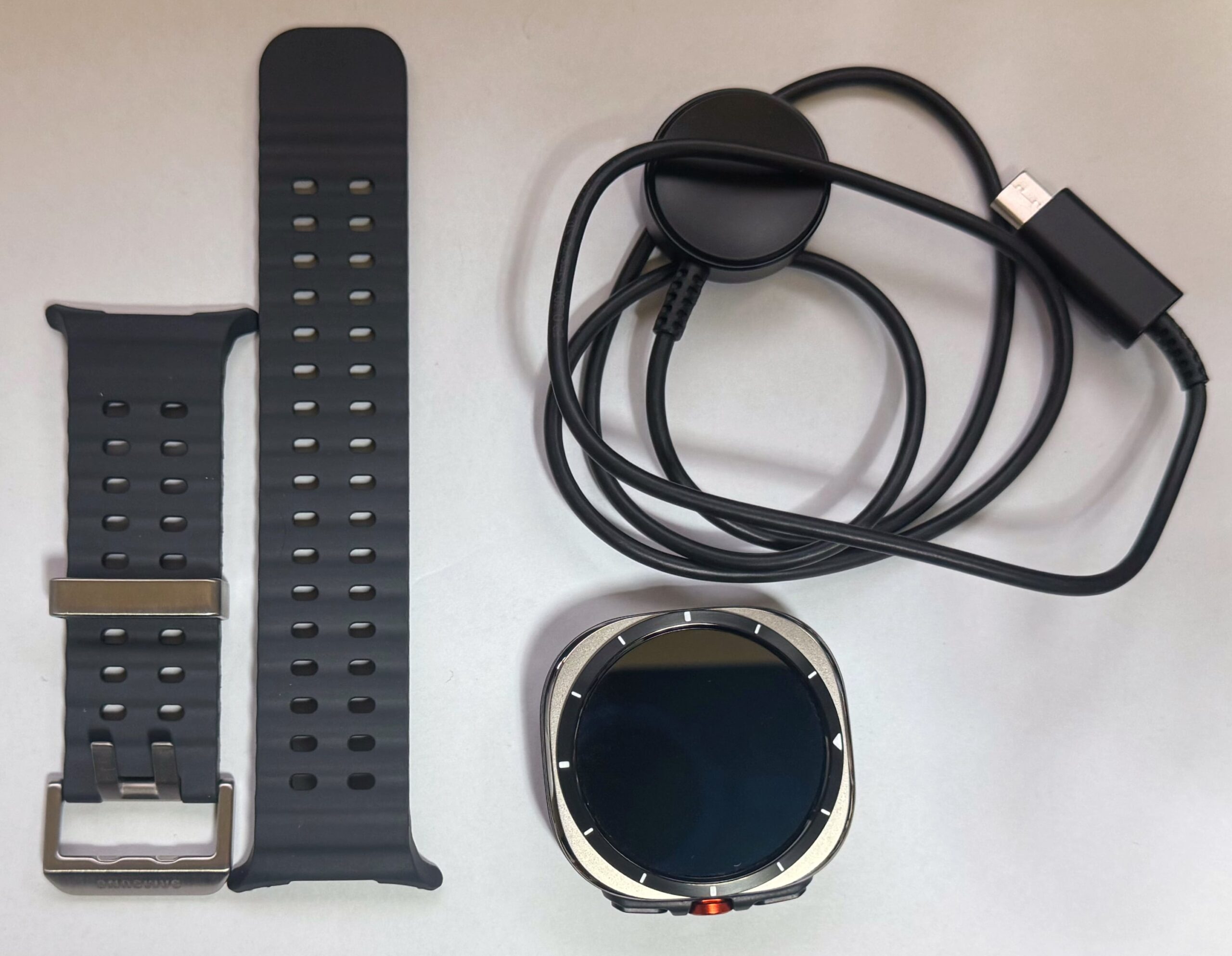
Inside the box:
That concludes the unboxing.
First, some context:
I am an Apple loyalist—and a Mac loyalist. I once lived in the Windows world, jumped into open-source and spent three years yelling “Ubuntu is the best OS on Earth!”, then bought a Mac because it could triple-boot—and after actually trying macOS for a week, I got trapped in the Apple ecosystem forever.
My daily driver PC is an M3 MacBook Air, phone is an iPhone 15 Pro Max (1TB), tablet is an iPad mini (A17 Pro, cellular, 512GB), smartwatch is an Apple Watch Series 9 (cellular, 16GB), and earbuds are AirPods 4 NC model.
These are the devices I naturally compare everything to, so my standards are harsh.
With that in mind, what does the Galaxy Watch Ultra get right?
First: the size.
Thanks to its chunky build, the display area is huge—and that directly translates into better usability.
On Apple Watch, music controls are cramped: album art takes up 80% of the screen, and fast-forward/rewind buttons sit tiny in the corners.
Trying to press them while driving is borderline dangerous: you either miss the button entirely or look down and momentarily drift.
On the Galaxy Watch Ultra, the watch simply displays the control UI full-screen, ignoring album art.
Fast-forward occupies about the right quarter of the display.
You can press it *without looking*. This alone gives massive peace of mind.
Next: app compatibility.
Apple Watch can only control a handful of music apps—Apple Music, YouTube Music, Spotify, etc.
But I use *PowerAmp* on Android because I want precise EQ control. It’s a paid third-party app, so I assumed the Watch wouldn’t be able to control it.
But when playing PowerAmp on the Galaxy Z Flip7, the Galaxy Watch Ultra instantly displayed full media controls—and they worked perfectly (skip back, play/pause, skip forward).
You don’t need EQ editing on the watch itself; what matters is controlling your already-tuned playback.
This is honestly a huge deal. A premium third-party app working seamlessly is rare.
Sleep and fitness tracking are also strong.
With Apple Watch, I often need third-party apps to get the data I want.
Samsung’s built-in tools (and the corresponding phone app) are surprisingly clear and detailed, and the Watch itself presents information in a very readable way.
The only problem is the bulk. Wearing the Ultra on my dominant right hand makes mouse use, typing, and Apple Pencil work uncomfortable.
So I ended up wearing Galaxy Watch Ultra on my left wrist and Apple Watch Series 9 on my right.
Most people don’t dual-wield smartwatches, so realistically, you’d wear the Ultra on your non-dominant hand.
All things considered, if you’re using Android, this is one of the strongest smartwatches ever made.
If I weren’t an Apple loyalist, I might have switched.
My final verdict this time was “No Go,” simply because:
But for Windows users, Samsung users, or anyone running a Samsung phone + Samsung Buds combo, this device will expand your ecosystem and give you a clear sense of what ecosystem synergy really means.
For you, this is absolutely a Go!
So here’s the purchase link again:
Thank you as always for reading my blog.
Comments are welcome! Feel free to leave one—I’ll reply as soon as I notice it.